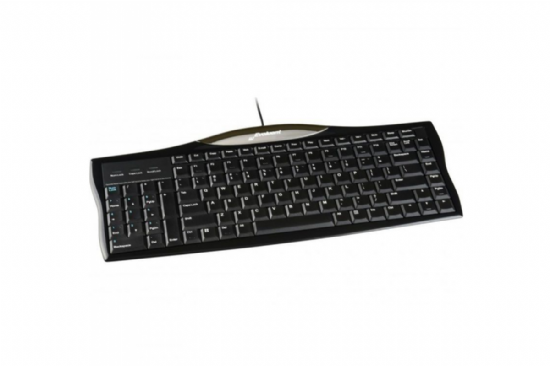
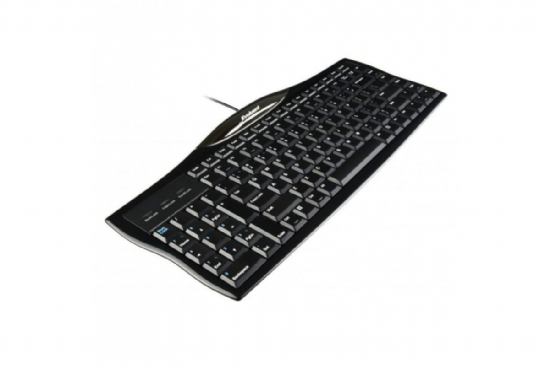
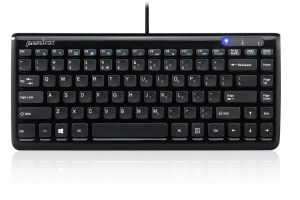
Typing for extended periods can lead to discomfort and even repetitive strain injuries (RSIs) if the keyboard layout doesn't encourage proper hand positioning. A keyboard with a left-side numeric keypad contributes to improved ergonomics and comfort.
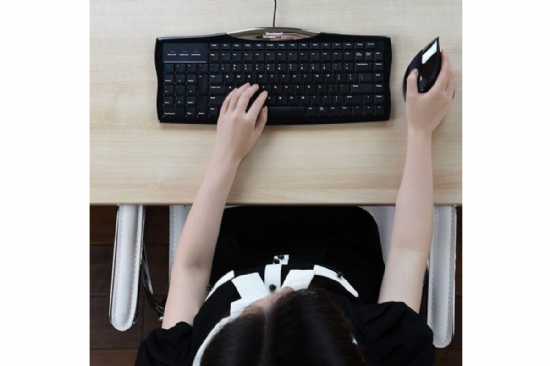
With the numeric keypad on the left side, right-handed users can place their mouse closer to their primary hand, reducing the need to stretch across the keyboard. This positioning helps maintain a more neutral wrist posture, which can alleviate strain on the wrists, forearms, and shoulders. Additionally, the compact design of these keyboards encourages users to keep their hands within a smaller typing area, reducing the risk of overextension.
FEATURES
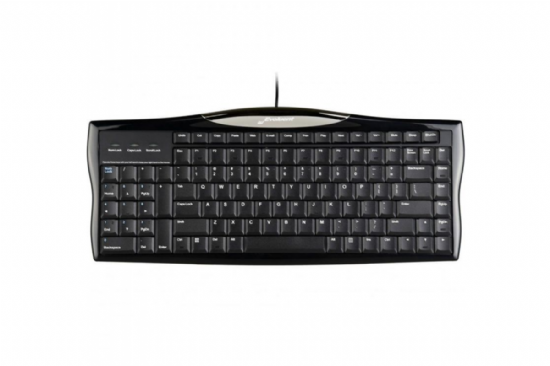
Numeric Keypad on the Left
Allows those who mouse with the right hand to bring the mouse into the comfort zone, without sacrificing the convenience of a built-in numeric keypad.
Low Profile
The low profile design reduces wrist strain when typing.
Two Sets of Navigation Keys
Page Up, Page Down, Home, End, and arrow keys are located on both the left and right hand sides of the keyboard to facilitate rapid and seamless adjustment to the new layout.
One Touch Short Cut keys
Hotkeys offer one-touch access to frequently needed functions such as Undo, Cut, Copy and Paste, to default browser and email programs, to volume and media controls, as well as sleep and shut down commands.